
Audio & Video Recording Assignments in EEi
EEi has supported audio and video assignments since day one — listen to recordings, watch performance videos, and give meaningful feedback that supports real musical growth.

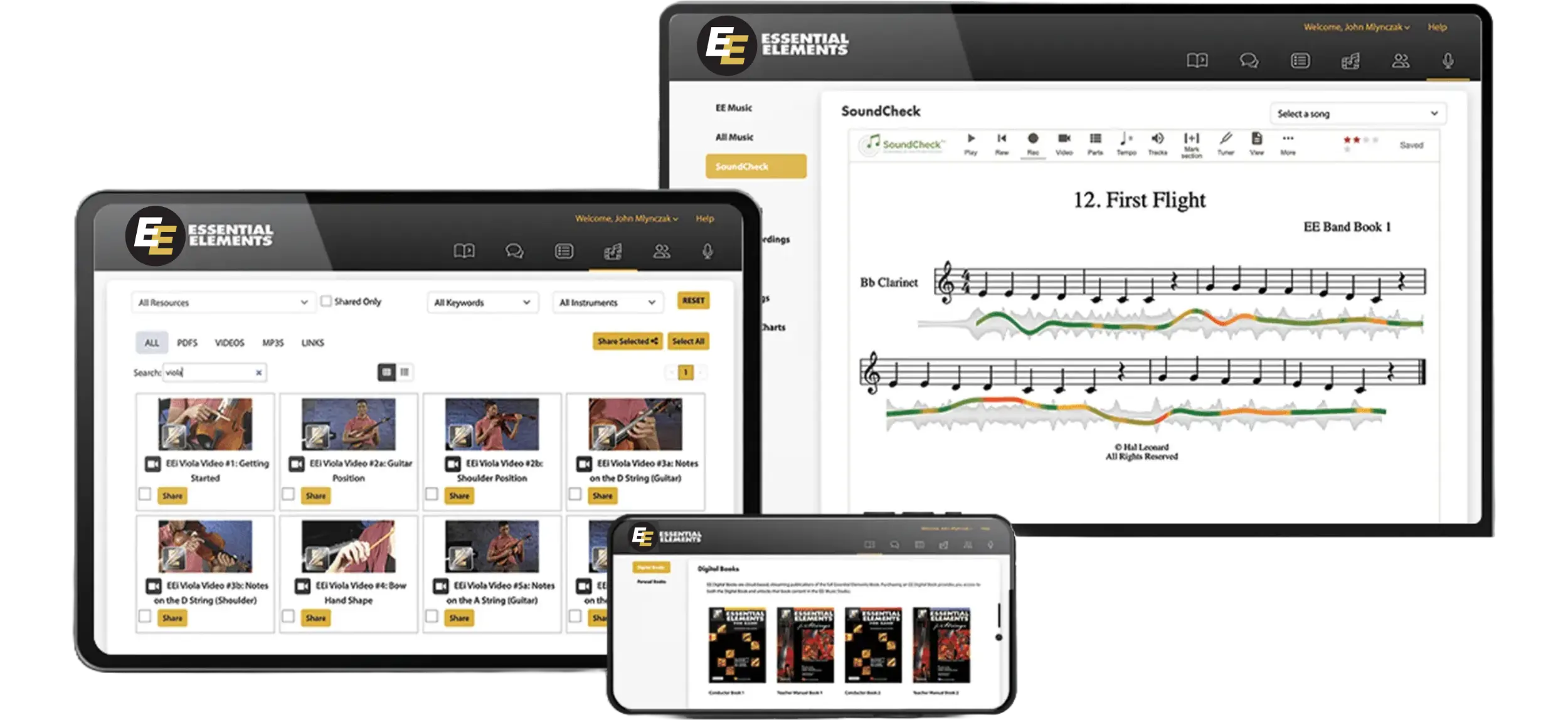
Access instructional videos, bonus songs, SoundCheck Performance Assessment, and more!
Discover the Power of EE InteractiveEEi has supported audio and video assignments since day one — listen to recordings, watch performance videos, and give meaningful feedback that supports real musical growth.
A great rehearsal starts long before the first note. Build a consistent routine — Rest/Ready/Play positions, breathing exercises, tizzling along to recordings, and clear pacing — so middle school students focus quickly, take ownership of expectations, and treat every transition as part of the music.
Chase Banks — student, director, now Hal Leonard contributor — walks through what to look for when choosing a method book: solid pedagogical sequencing, an integrated digital component like EEi, repertoire that connects to students' listening lives, inclusive content, and a path that grows from beginner through advanced ensemble playing.
Essential Elements Interactive is the digital companion to the EE method books for band and strings. The Music Studio gives professional accompaniments, recording, tempo control, and a built-in tuner; teachers get assignments, gradebook, 400+ instructional videos, and customizable resources — all included free with every EE book.
Hal Leonard offers Essential Elements in digital format — the full method book online with theory, history, and creativity exercises plus a free EEi Student Activation Code, all carefully paced for beginning players. Book 1 is available now for both band and strings.
SoundCheck, powered by MatchMySound, scores every Essential Elements exercise on pitch, rhythm, and intonation as students play — try the embedded demo, then assign performance assessments alongside Music Studio audio and video, all free with your EEi Teacher Account.
Tailor the EEi Music Studio to your curriculum by enabling or disabling specific songs in your students’ accounts. Three steps: open the Music Studio, click SONGLIST in the left-hand column, then toggle individual songs on or off — useful for skipping content or matching pacing.
Make a holiday album in EEi: pick a Bonus Song from the end of the Book 1 Songlist (including three new Charlie Brown Christmas selections), choose piano or pop/jazz combo accompaniment with melody on or off, record your best take, then download the audio to share with family and friends.
Hal Leonard adds pop tunes to EEi as Bonus Songs — carefully-crafted melodies with professional accompaniments and melody examples, available to all EE band and strings users.


