
If your school district has set up an EEi School Account on your behalf and your teacher has given you a School Code and Student ID, this walkthrough takes you through the six steps. The flow is similar to the regular School Code + Student ID flow, but framed as activating an account your school already created for you.
Before you start
Have these ready:
- The School Code from your teacher
- Your EEi Student ID from your teacher
- The Student Activation Code from the back inside cover of your EE Student Book
- A working email address (your school email if your district provides one)
Step-by-step
1. Open the EEi sign-in page and choose Create an Account.

2. Enter your School Code.
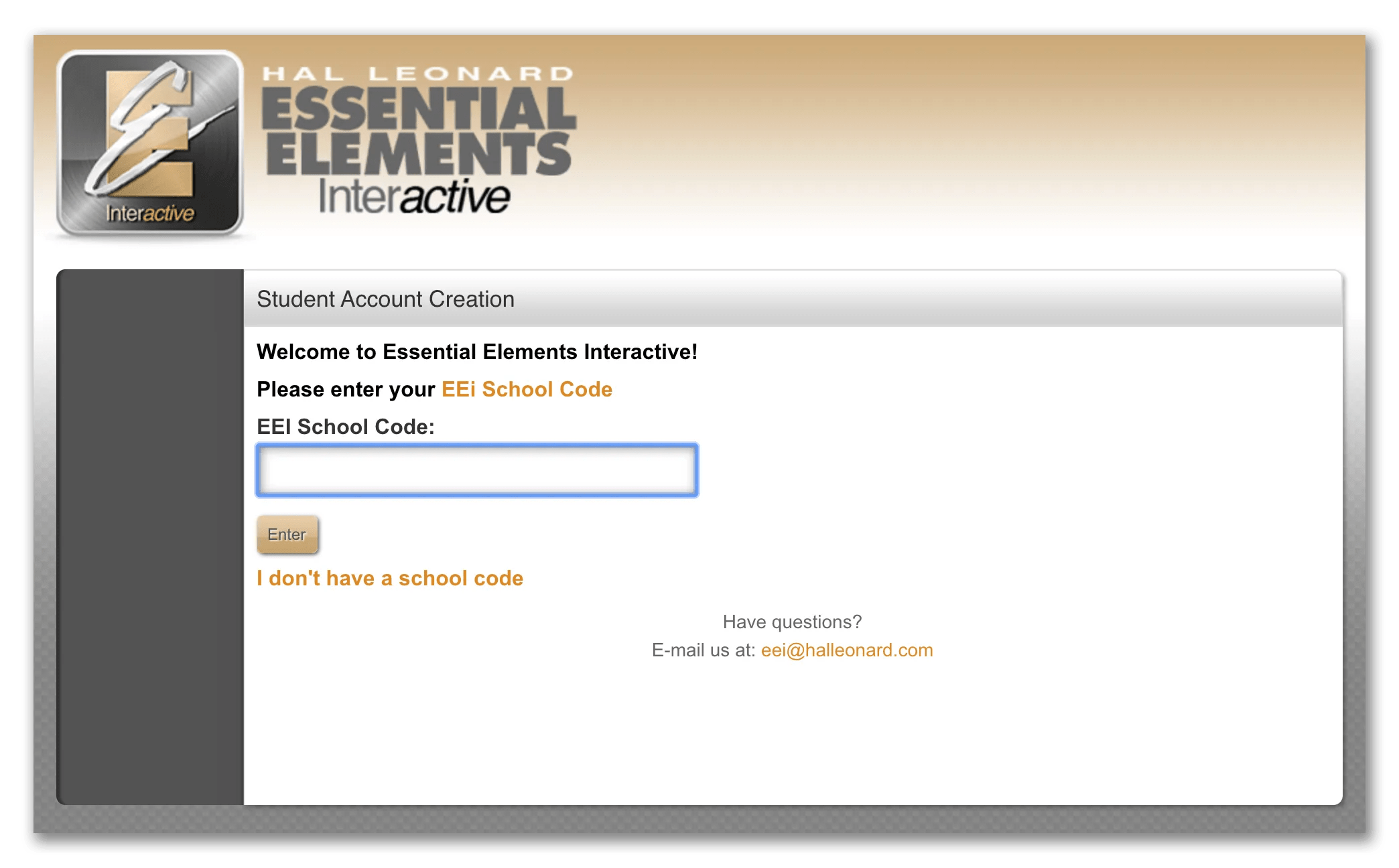
3. Enter your Student ID.

4. Accept the Terms of Agreement.

5. Fill in your account information — name, password, and the Student Activation Code from your EE Student Book.

6. Verify your email. Click the link in the verification email to finish.

After you sign up
Your activated account is linked to your teacher’s roster. Sign in to access assignments, complete recordings, watch instructional videos, and use the SoundCheck Performance Assessment from your EE Student Book.
Leave a Reply