
EEi is a powerful tool with many components, but since it is included with your book purchase, you can choose how you want to implement these resources in your class and with your students. Here are three ways you can utilize EEi with your classes.
EEi Teacher Account
What you need: EE Teacher Book with an Activation Code
Use the code in your EE Teacher Book to create an EEi Teacher Account. The account creation process takes only about 5 minutes and provides you access to MANY valuable tools and resources in the teacher account.


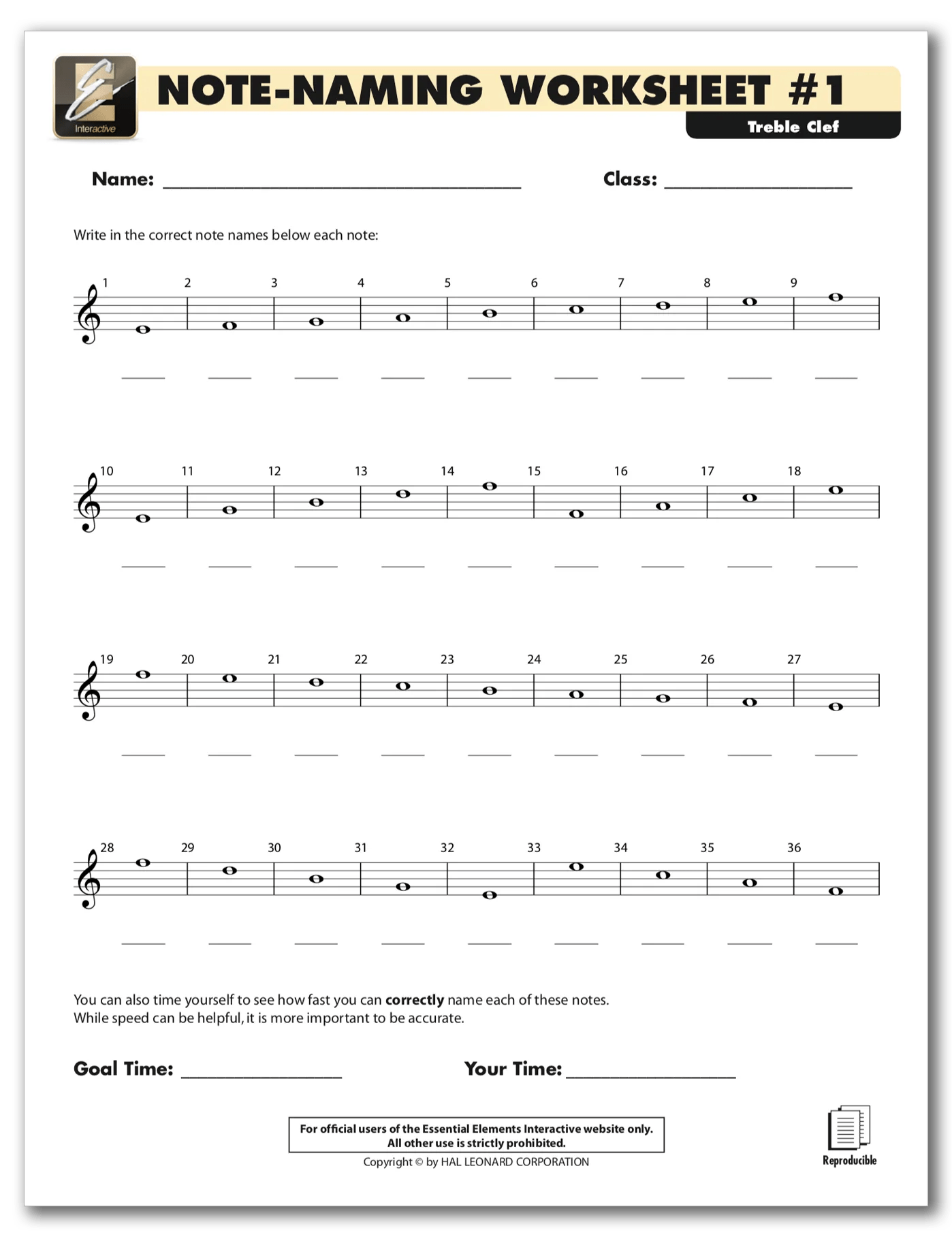

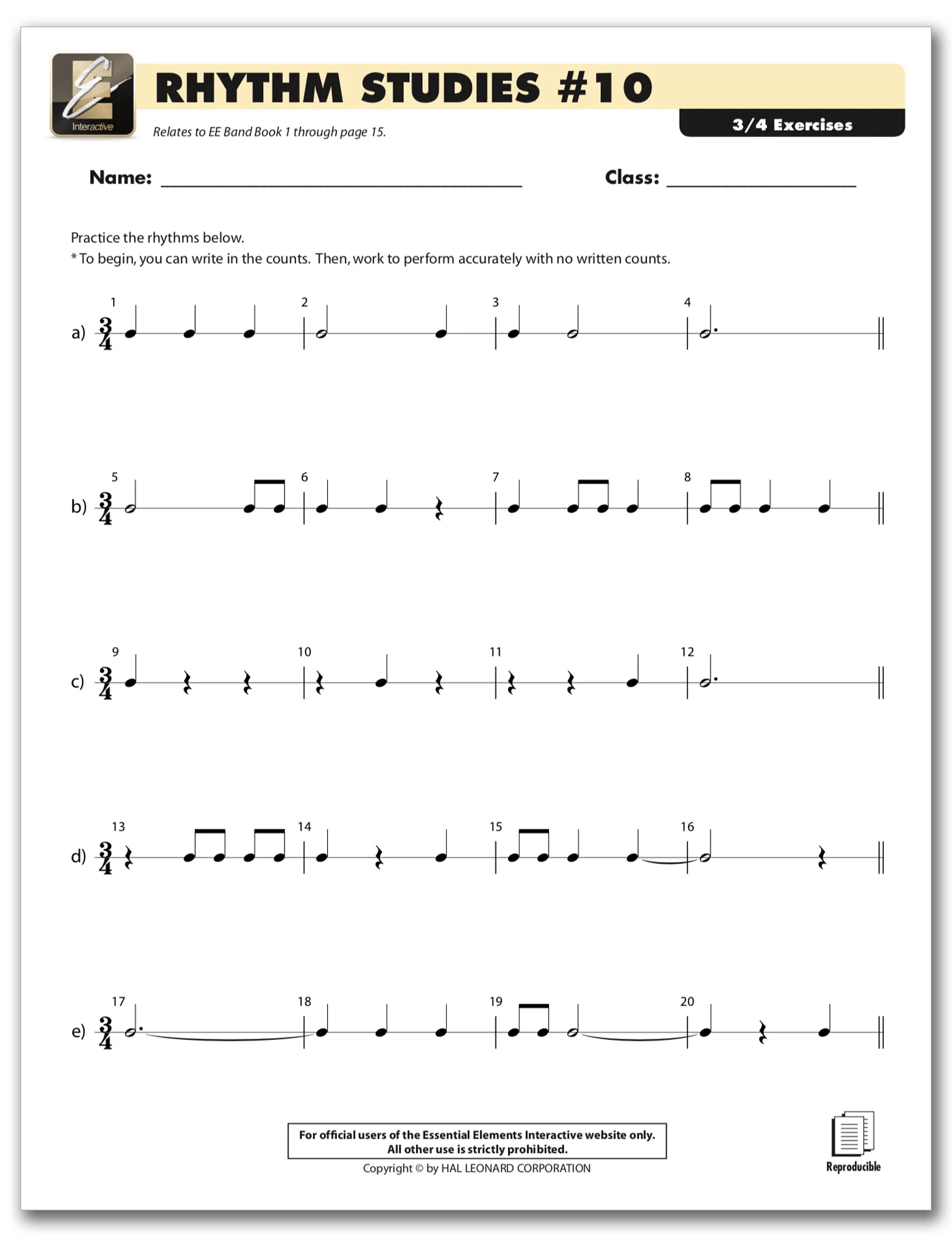
An EEi Teacher Account will allow you to use:
- Multiple Style Accompaniment Tracks
- Instrument Pedagogy Videos
- Reproducible PDF Resources
- Note-Naming
- Rhythm Studies
- Fingering Worksheets, etc.
- Additional Music Studies
- Much More…
EEi Student Accounts
Students can use codes from their EE Student Books to create their accounts. They can do this on their own at home or in class.
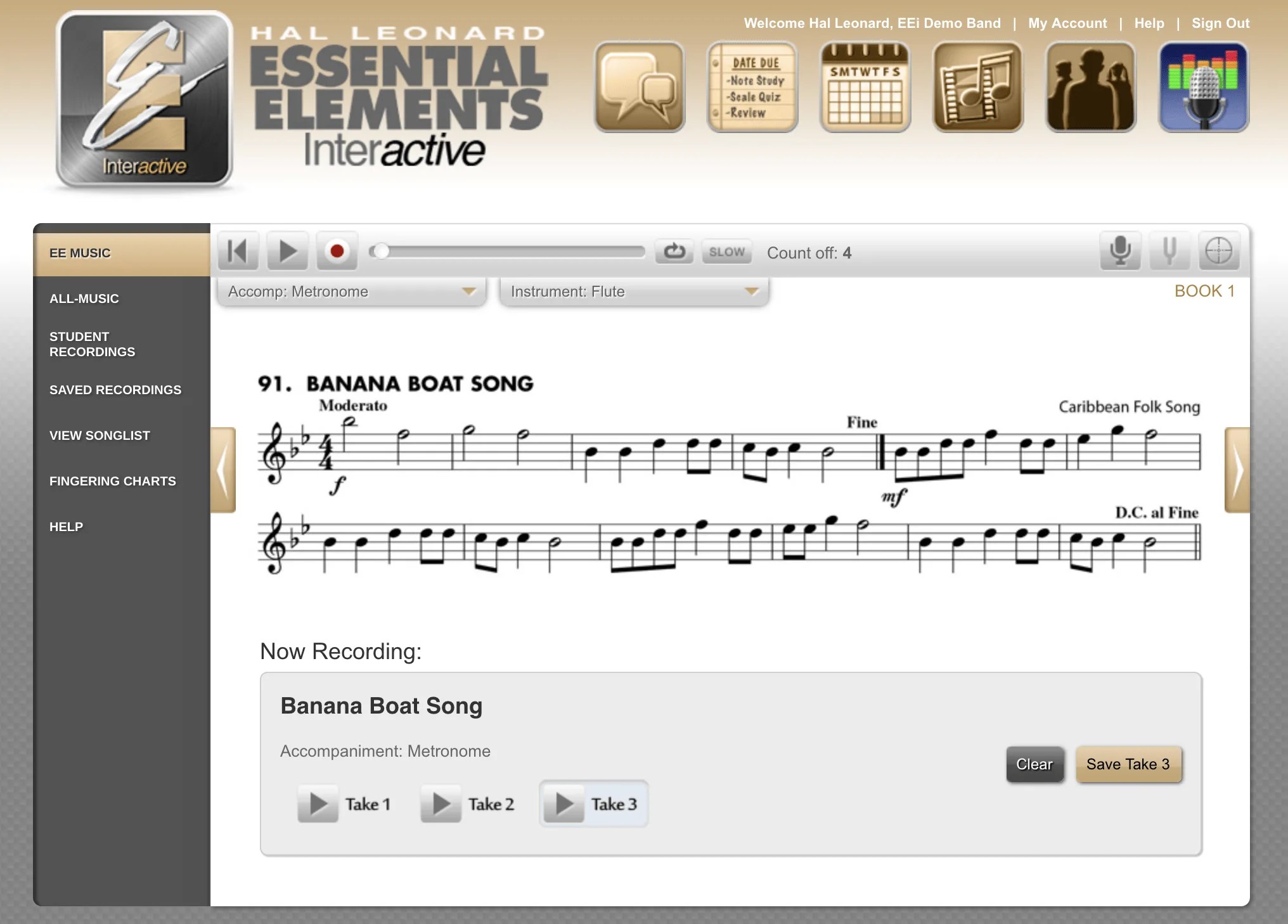

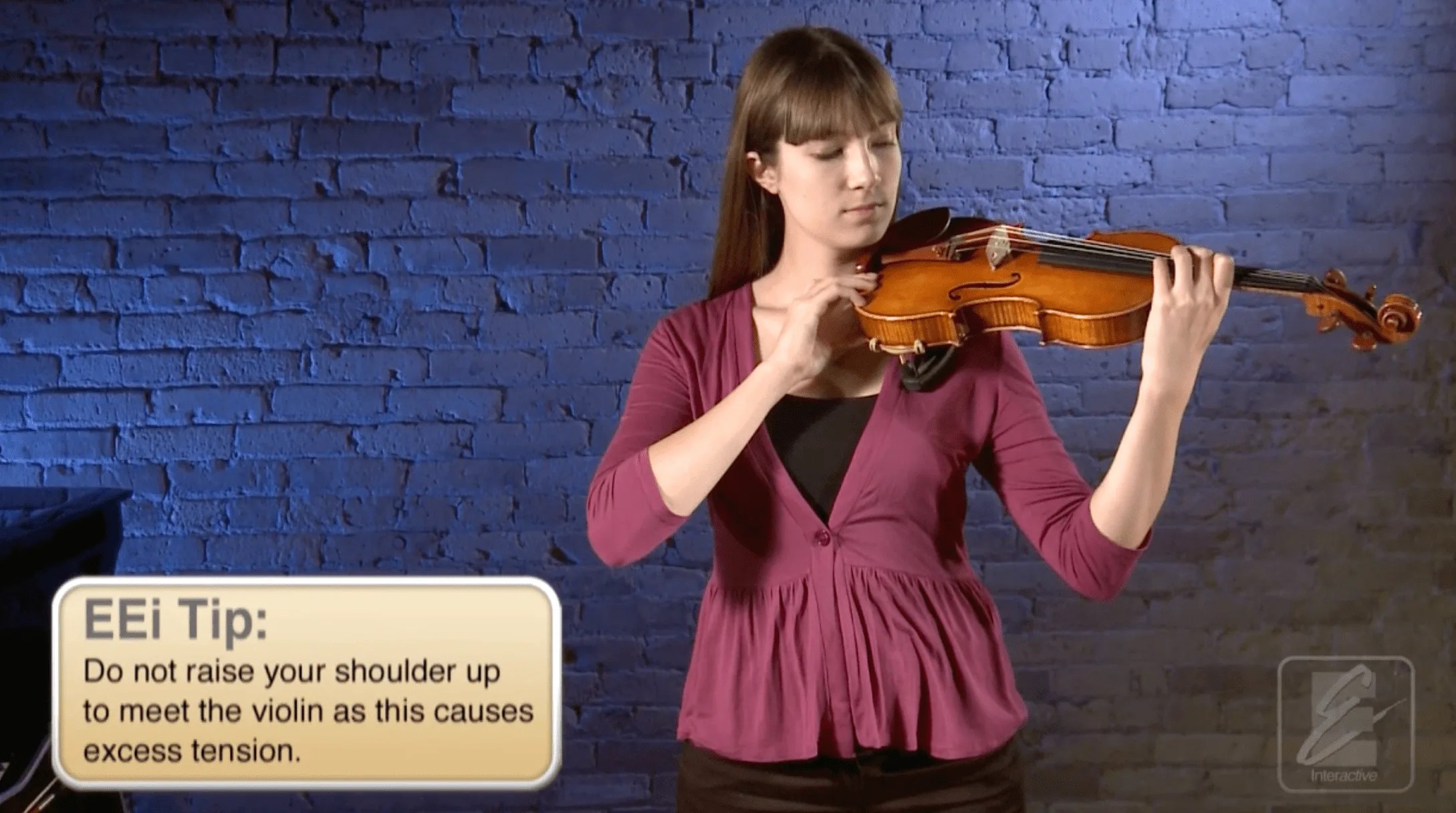
EEi Student accounts allow students to use:
- Multiple Style Accompaniment Tracks
- Cloud-based Recording Studio
- Instrument Pedagogy Videos
Students can use these accounts independently or join their teacher’s EEi Class to receive assignments, resources, and much more.
Connected EEi Teacher & Student Accounts
Having students join your EEi Class is a great way to stay connected to students and help guide their home practice.


Having students enrolled in your class will allow you to:
- Create and grade assignments
- Share additional EEi resources
- Upload and share your own resources
- Have students complete self-assessments
- Receive student practice logs
- Use student organizational and communication tools
- Much more…
Students can create their account and easily join your class from their student account.
Leave a Reply