
About the two account types
There are two ways to create a student account in EEi. Pick the one that best describes you:

Classroom Student Account
- I have an Essential Elements Student Book with a Student Activation Code
- I am a part of a music program (school, private, or other)
- My teacher gave me an EEi Student ID and/or a School Code
Individual Student Account
- I have an Essential Elements Student Book with a Student Activation Code
- I am an individual learning to play an instrument on my own (child or adult), OR my teacher has not given me an EEi Student ID or School Code
Which of these applies to you?
I already have an EEi account and want to join my school’s class
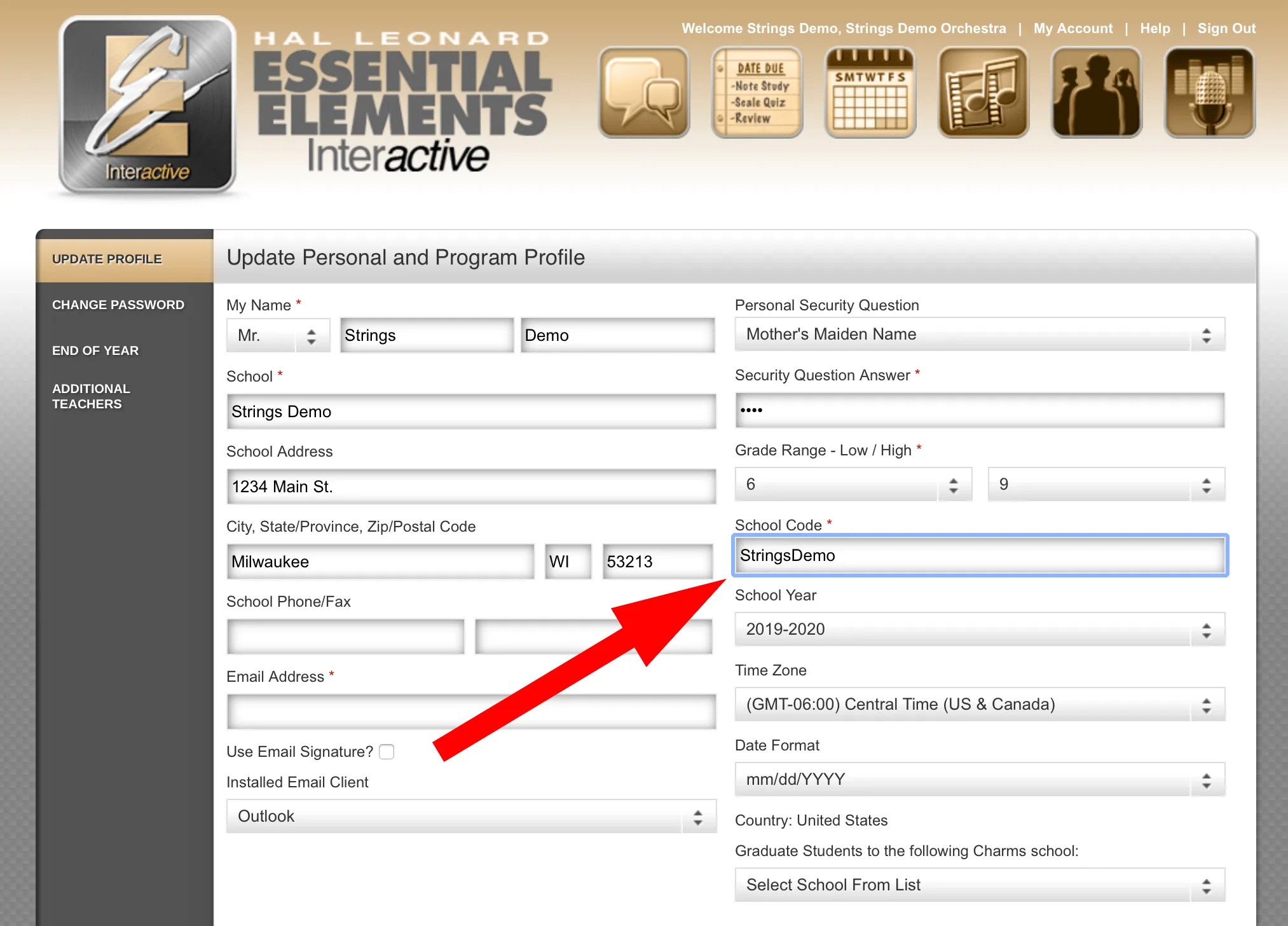
If you previously created an EEi student account on your own and your teacher now uses EEi, you don’t need to start a second account. Sign in, open your account settings, and enter the School Code your teacher gave you. That links your existing account to your teacher’s class.
Leave a Reply